# Quick Start Guide

{% columns %}
{% column width="50%" %}

<figure><img src="/files/T6QOZaYpxbRXkkZlTieG" alt=""><figcaption></figcaption></figure>

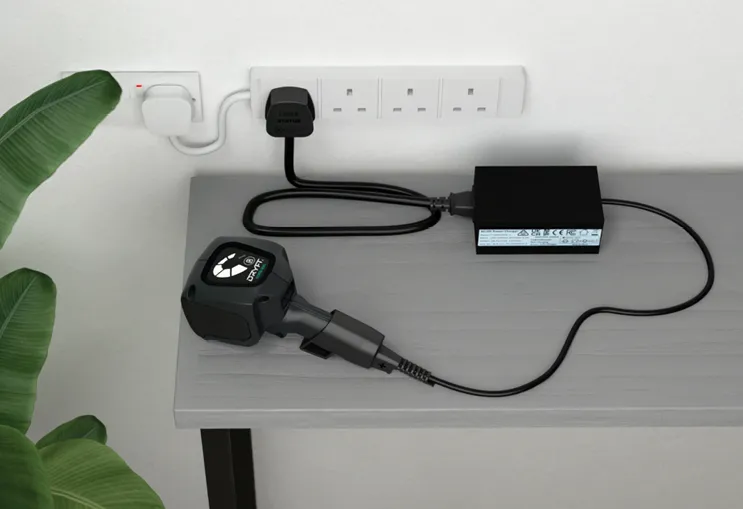
1 <mark style="color:$primary;">|</mark> Ensure you’re battery is fully charged BEFORE using your DRYFT.
{% endcolumn %}

{% column width="50%" %}

<figure><img src="/files/S6Gqil9DLfg1TZI4Jszh" alt=""><figcaption></figcaption></figure>

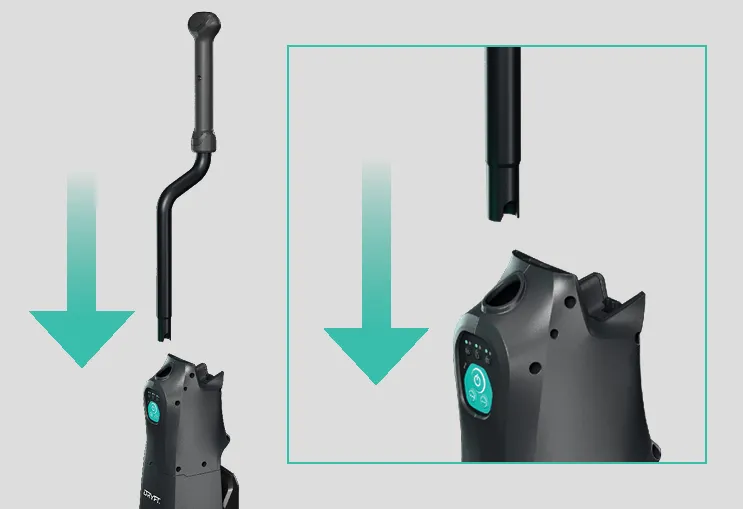
2 <mark style="color:$primary;">|</mark> Insert handle.
{% endcolumn %}
{% endcolumns %}

{% columns %}
{% column %}

<figure><img src="/files/pHb6UhmwDakkYsE5la0w" alt=""><figcaption></figcaption></figure>

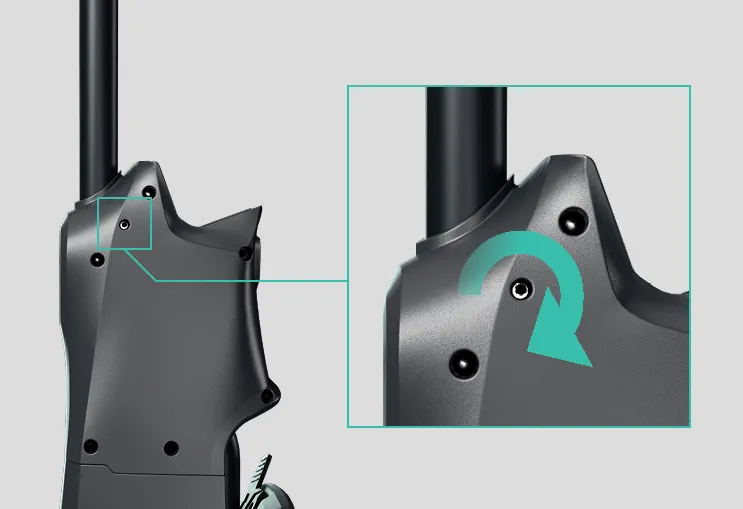
3 <mark style="color:$primary;">|</mark> Tighten the handle with the allen\
key provided.
{% endcolumn %}

{% column %}

<figure><img src="/files/lmj2RlRMvLd8B5sy3MX6" alt=""><figcaption></figcaption></figure>

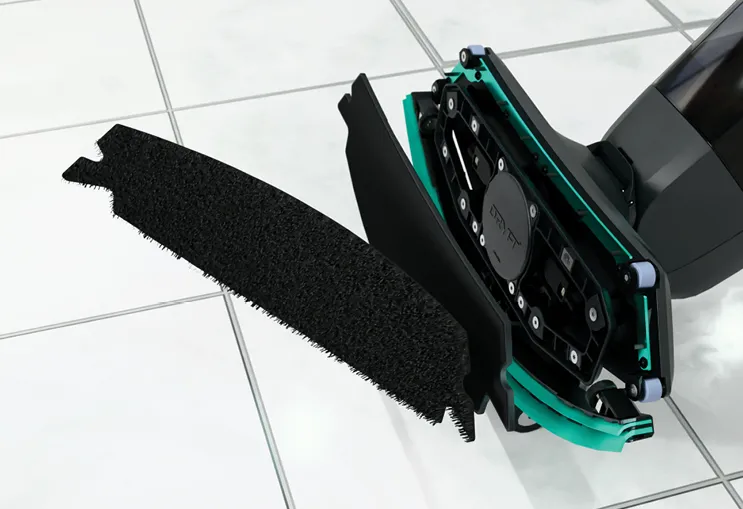
4 <mark style="color:$primary;">|</mark> Fix floor pad to MAGPlate.
{% endcolumn %}
{% endcolumns %}

{% columns %}
{% column %}

<figure><img src="/files/Ihz1U3cQC0ItPCSandaE" alt=""><figcaption></figcaption></figure>

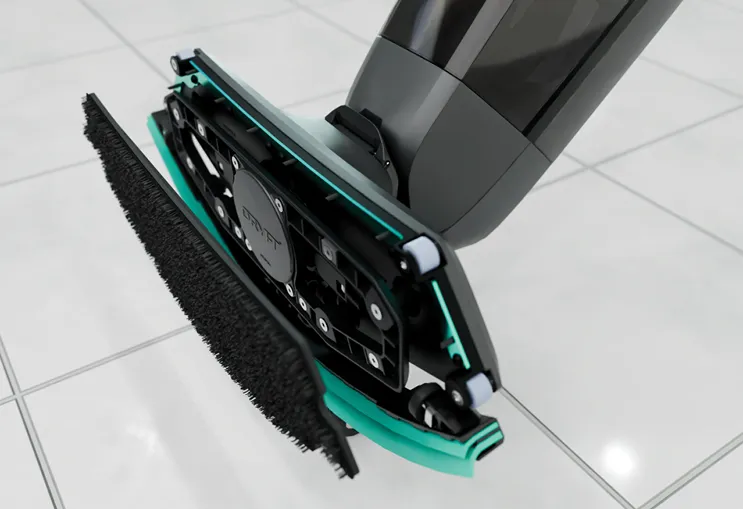
5 <mark style="color:$primary;">|</mark> Fit MAGPlate to cleaning head.
{% endcolumn %}

{% column %}

<figure><img src="/files/ZJpNbT7vPaSi8ZvjkDlc" alt=""><figcaption></figcaption></figure>

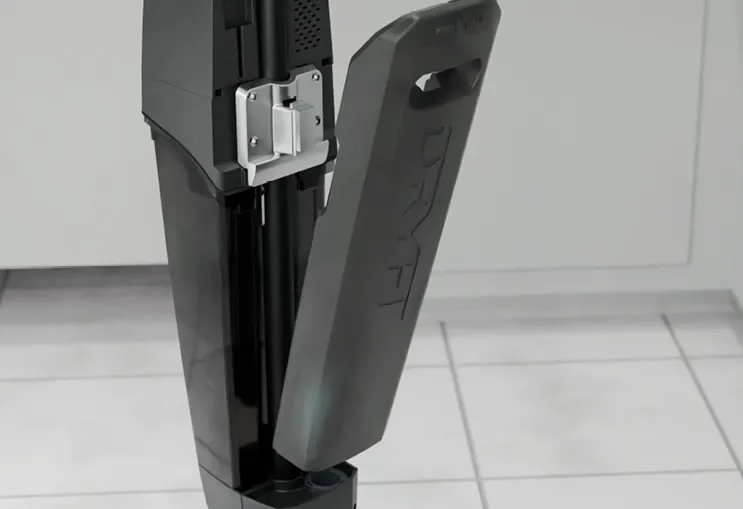
6 <mark style="color:$primary;">|</mark> Pull off the Clean Water Tank.
{% endcolumn %}
{% endcolumns %}

{% columns %}
{% column width="50%" %}

<figure><img src="/files/x5VdwkGne1MuZrKVc3iZ" alt=""><figcaption></figcaption></figure>

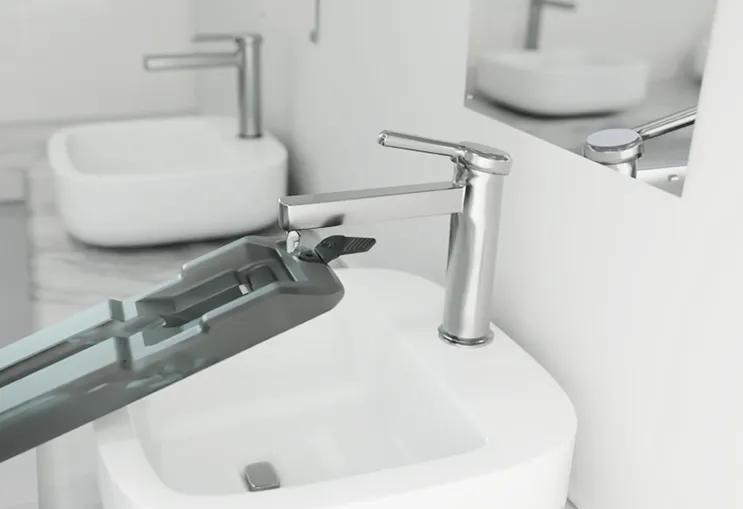
<mark style="color:$info;">7</mark>  <mark style="color:$primary;">|</mark> Fill the Clean Water Tank.
{% endcolumn %}

{% column width="50%" %}

<figure><img src="/files/7a0Vw2uJLZjJFgE4sLBC" alt=""><figcaption></figcaption></figure>

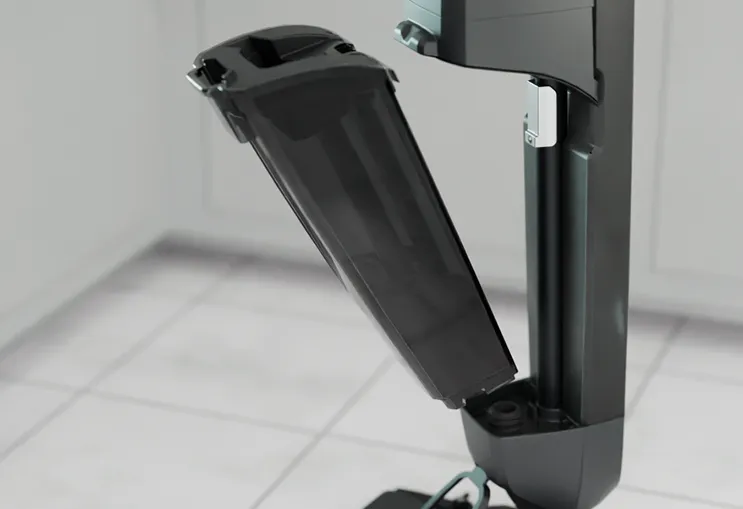
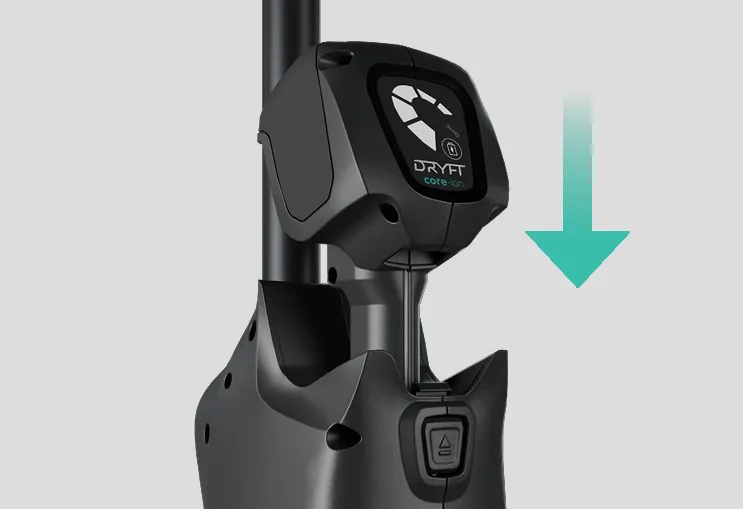
8 <mark style="color:$primary;">|</mark> Check Magnetic Recovery Tank is empty.
{% endcolumn %}
{% endcolumns %}

{% columns %}
{% column width="50%" %}

<figure><img src="/files/jzrj9YdFv8RDkM9Dzmoz" alt=""><figcaption></figcaption></figure>

9 <mark style="color:$primary;">|</mark> Insert battery into DRYFT.
{% endcolumn %}

{% column width="50%" %}

<figure><img src="/files/Q2ciQAuxj45eY8BdXL3k" alt=""><figcaption></figcaption></figure>

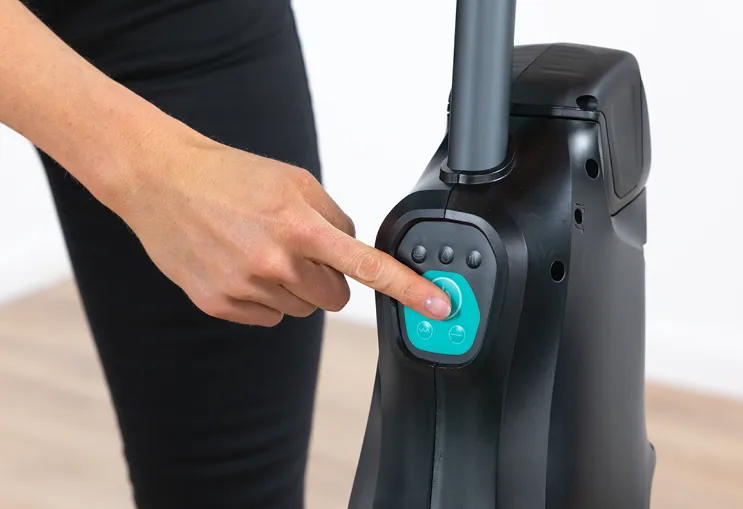
10 <mark style="color:$primary;">|</mark> Press power button to turn on.
{% endcolumn %}
{% endcolumns %}

{% columns %}
{% column width="50%" %}

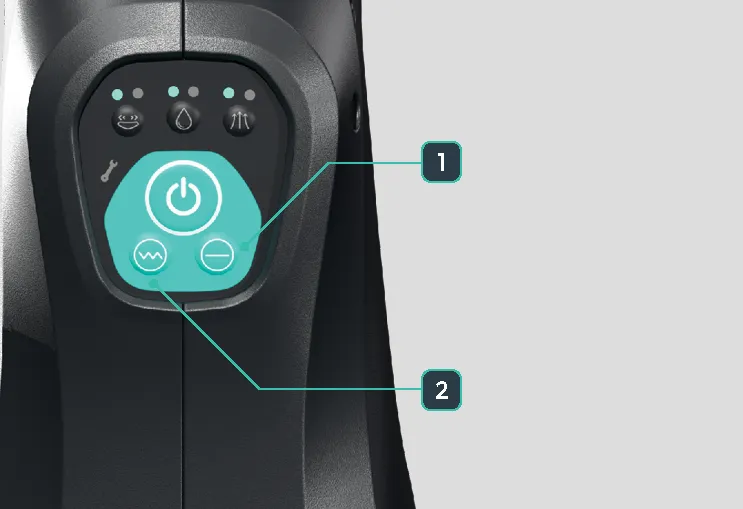
<figure><img src="/files/3J9XyePN5SIY0CMiHBOa" alt=""><figcaption><p>1) Smooth 2) Rough</p></figcaption></figure>

11 <mark style="color:$primary;">|</mark> Select smooth or rough floor mode.&#x20;

{% endcolumn %}

{% column width="50%" %}

<figure><img src="/files/cKuN5YvMcRPo9NMuceu9" alt=""><figcaption></figcaption></figure>

\
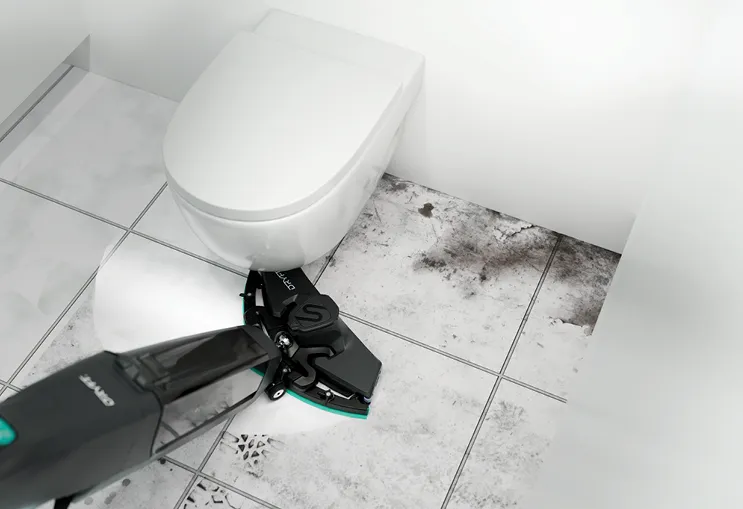
12 <mark style="color:$primary;">|</mark> Clean at DRYFT speed.
{% endcolumn %}
{% endcolumns %}


---

# Agent Instructions: Querying This Documentation

If you need additional information that is not directly available in this page, you can query the documentation dynamically by asking a question.

Perform an HTTP GET request on the current page URL with the `ask` query parameter:

```
GET https://docs.dryft-world.com/quick-start/quickstart.md?ask=<question>
```

The question should be specific, self-contained, and written in natural language.
The response will contain a direct answer to the question and relevant excerpts and sources from the documentation.

Use this mechanism when the answer is not explicitly present in the current page, you need clarification or additional context, or you want to retrieve related documentation sections.